Announcement bar
A simple way to highlight something new or temporary on your blog.
Maybe a newsletter launch, pointing people to your guestbook, or letting readers know you're offline for a while.
Preview
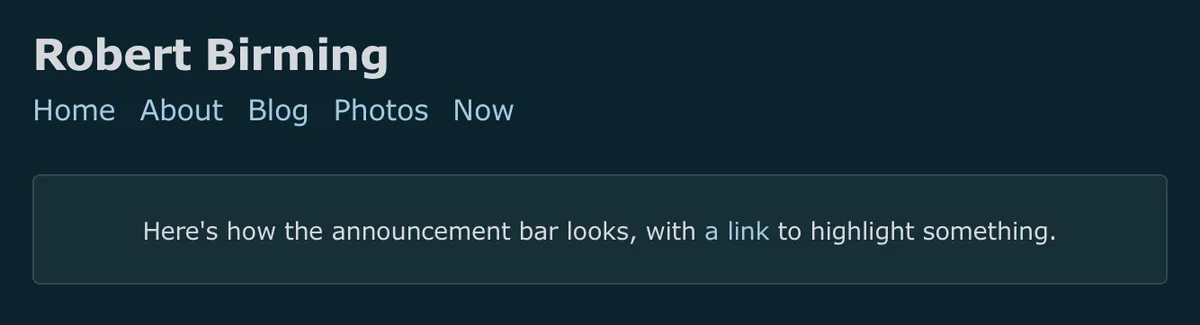
How to use
Go to the dashboard "Nav" settings and add the markup below your navigation links. Then add the styles to your theme.
Markup
<div class="bar">

Here's how the announcement bar looks, with [a link](/a-link/) to highlight something.

</div>
Styles
/* Announcement bar | robertbirming.com */
.bar {
  margin-block: 1.5rem;
  padding-block: 1.2rem;
  padding-inline: 0.7rem;
  text-align: center;
  font-size: calc(var(--font-scale) * 0.85);
  color: var(--text-color);
  background: color-mix(in srgb, var(--text-color), var(--background-color) 94%);
  border: 1px solid color-mix(in srgb, var(--text-color), transparent 85%);
  border-radius: 4px;
}

.bar p {
  margin: 0;
}

/* Undo the theme's nav link spacing inside the bar */
.bar a {
  margin-inline-end: 0 !important;
}
Happy blogging, say something worth saying.
Want more? Check out the full Bear Blog library.