Link styles
The default Bear Blog theme keeps links simple: a color change and an underline. That leaves a lot of room to give them some more character.
This page collects small CSS tweaks and variations for links. Each one works out of the box, but they're just as much meant as a starting point. Mix and match, tweak the values, or use them to learn more about theme styling.
Last updated 5 days, 23 hours ago.
Thick underline
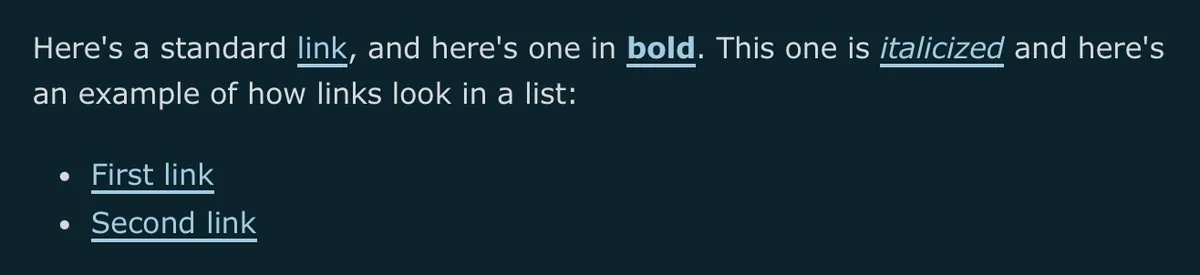
a {
    text-decoration-thickness: 2px;
    text-underline-offset: 3px;
}
Dotted underline
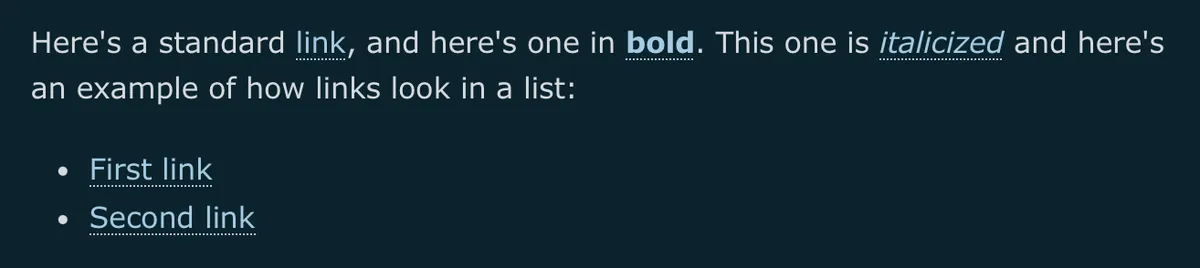
a {
    text-decoration-style: dotted;
    text-underline-offset: 3px;
}
Background highlight
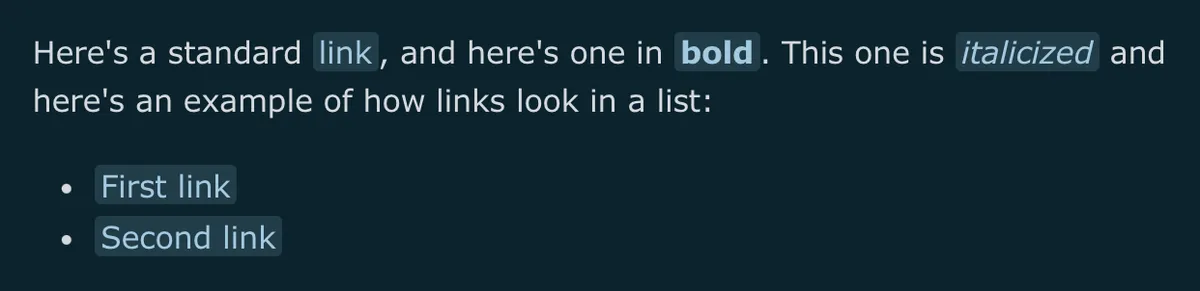
a {
    text-decoration: none;
    padding: 0.05em 0.2em;
    border-radius: 3px;
    background-color: color-mix(in srgb, var(--link-color), transparent 85%);
}
Wavy underline
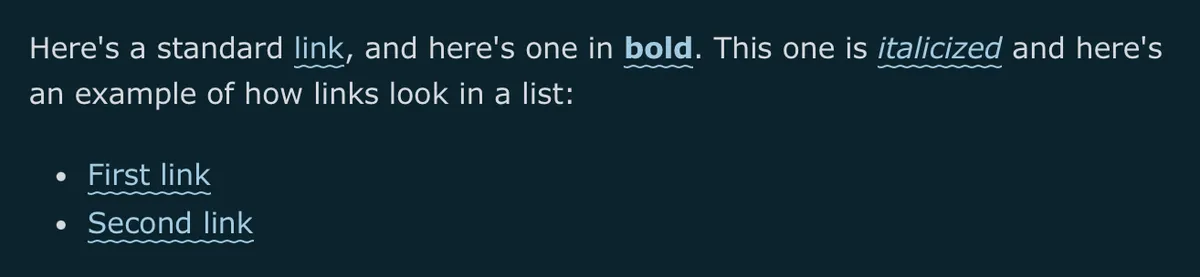
a {
    text-decoration-style: wavy;
    text-underline-offset: 3px;
}
Colored underline
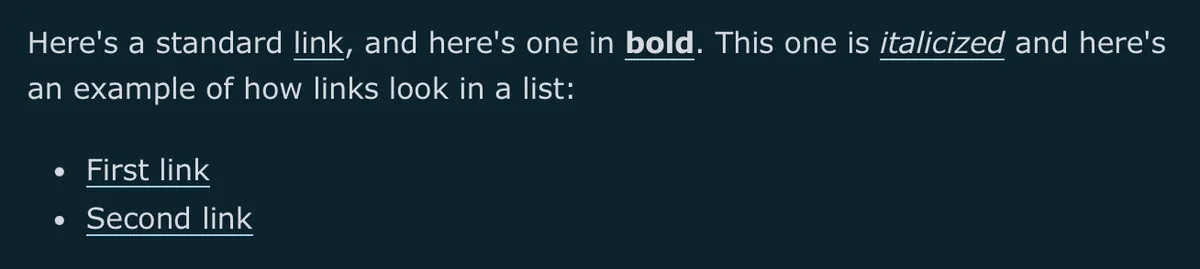
a {
    color: var(--text-color);
    text-decoration-color: var(--link-color);
    text-underline-offset: 3px;
}
Rainbow underline
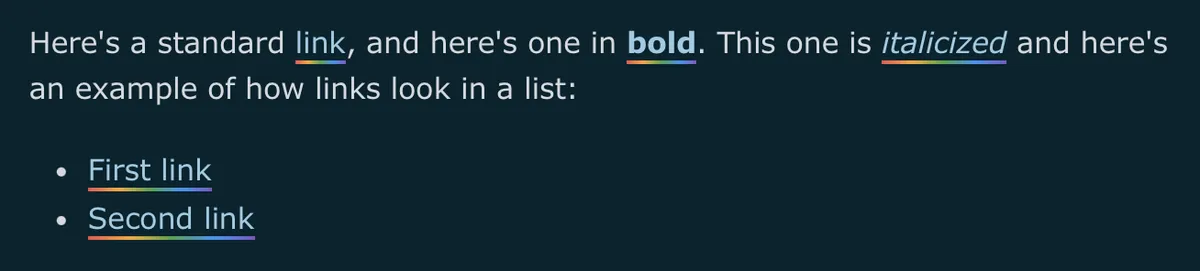
a {
    text-decoration: none;
    padding-block-end: 3px;
    background-image: linear-gradient(to right, #ef5350, #f9a825, #43a047, #2196f3, #7e57c2);
    background-position: 0 100%;
    background-repeat: no-repeat;
    background-size: 100% 2px;
}
Rainbow text
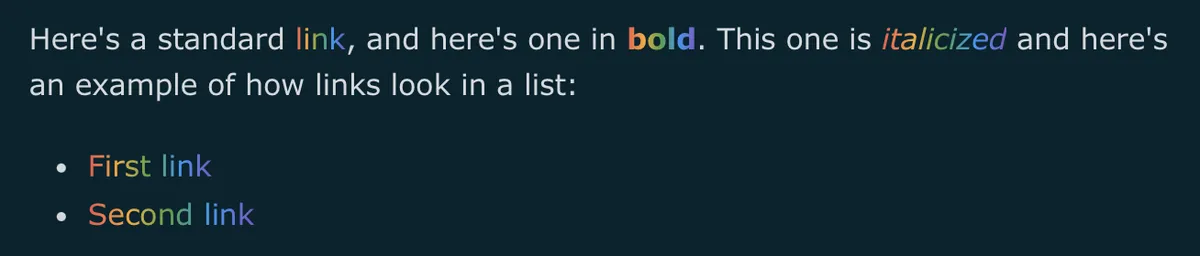
a {
    text-decoration: none;
    background-image: linear-gradient(to right, #ef5350, #f9a825, #43a047, #2196f3, #7e57c2);
    background-clip: text;
    -webkit-background-clip: text;
    color: transparent;
}
Boxed link
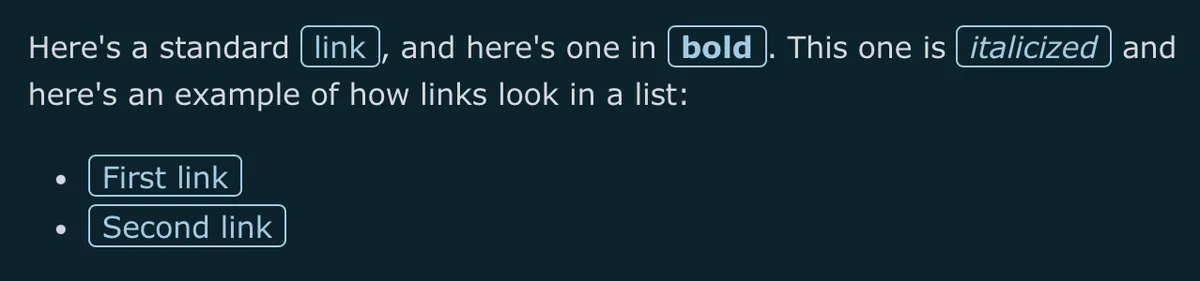
a {
    text-decoration: none;
    padding: 0.05em 0.4em;
    border: 1px solid var(--link-color);
    border-radius: 4px;
}
Uppercase link
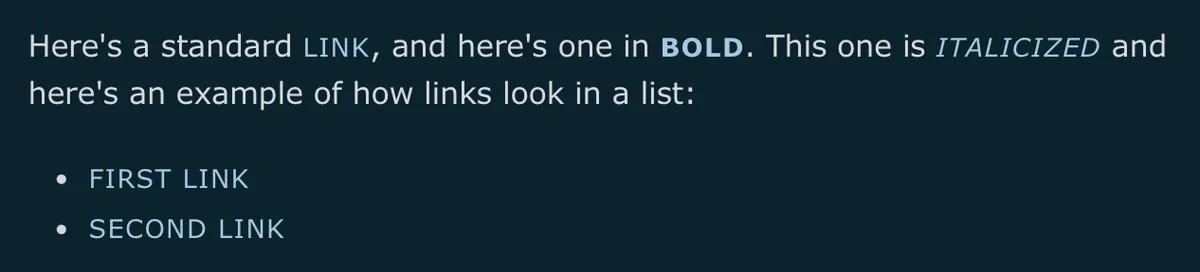
a {
    text-decoration: none;
    font-size: 0.85em;
    letter-spacing: 0.05em;
    text-transform: uppercase;
}
Leading dot
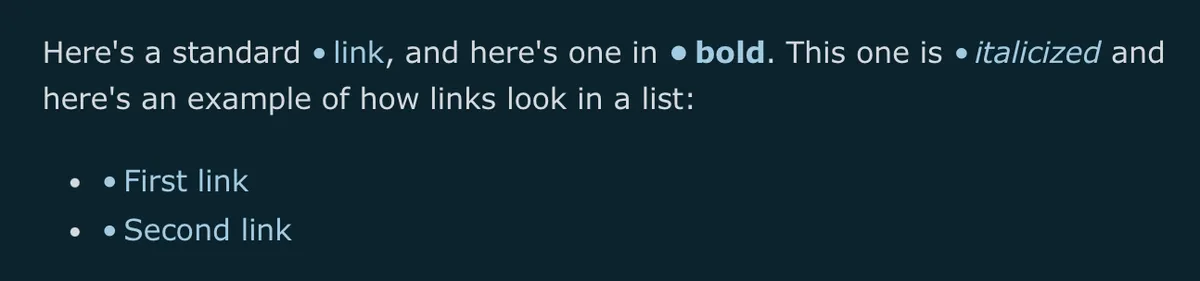
a {
    text-decoration: none;
}

a::before {
    content: "•";
    margin-inline-end: 0.2em;
    color: var(--link-color);
}
Serif italic
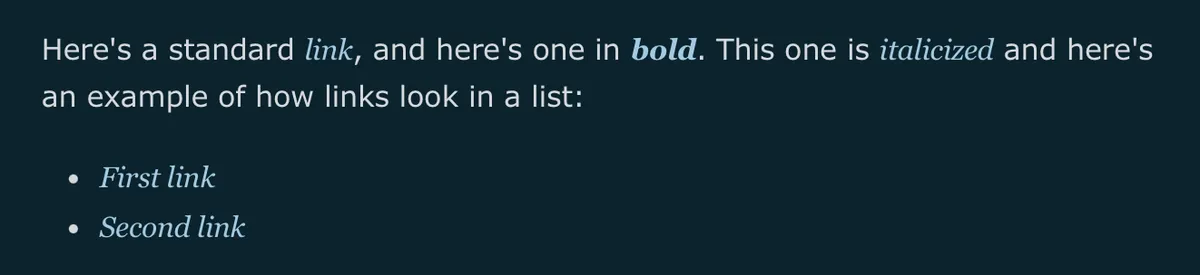
a {
    font-family: Georgia, serif;
    font-style: italic;
    text-decoration: none;
}
Retro terminal
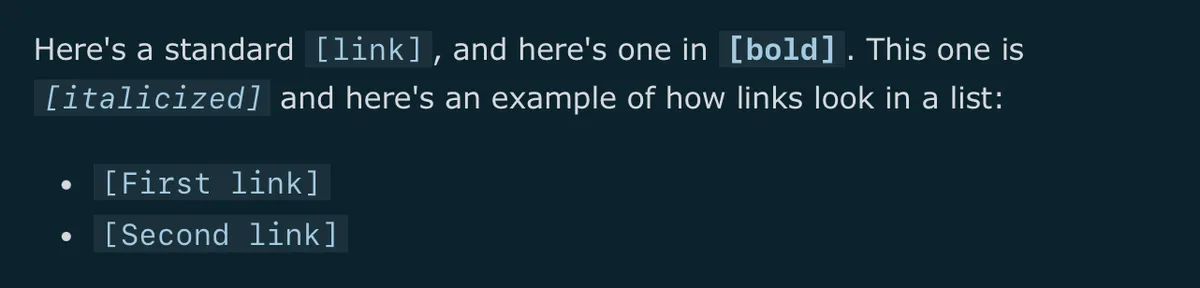
a {
    font-family: ui-monospace, monospace;
    text-decoration: none;
    padding: 0.05em 0.3em;
    background-color: color-mix(in srgb, var(--text-color), transparent 92%);
}

a::before {
    content: "[";
}

a::after {
    content: "]";
}
Scoping examples
Apart from combining styles, you can also decide exactly which links on your site each style applies to.
Here are a few ways to target links in one part of your blog without changing every link on the site. Combine any of these selectors with any style above.
Body text
Targets links inside your post and page content, leaving the header nav, footer, and blog list untouched.
main p a {
    text-decoration: none;
    border: 1px solid var(--link-color);
    border-radius: 4px;
    padding: 0.05em 0.4em;
}
Blog list
Targets links in your blog posts list, without affecting links inside individual posts.
.blog-posts a {
    text-decoration: none;
    text-transform: uppercase;
    letter-spacing: 0.05em;
    font-size: 0.85em;
}
External links
Targets links that point away from your own domain, useful for marking outbound links differently. Swap in your own domain.
main a[href^="http"]:not([href*="yourblog.com"]) {
    text-decoration-style: dashed;
}
Blockquote links
Targets links that appear inside a blockquote, so a quoted source link can look different from a link in your own writing.
blockquote a {
    color: inherit;
    text-decoration-style: dotted;
}
Nav links
Targets only the links in your header navigation, leaving body and footer links alone.
header nav a {
    text-decoration: none;
}
Footer links
Targets only the links in your footer, handy for making them smaller or more muted than the rest of the page.
footer a {
    color: inherit;
    text-decoration: underline;
}
Happy blogging, and may your links look lovely.
Want more? Check out the full Bear Blog library.