Print styles
The default Bear Blog theme doesn't come with print styles, but every now and then a post is worth printing or saving as a PDF.
This page collects small CSS tweaks for how your blog looks when printed or saved as a PDF. Each one works out of the box, but they're just as much meant as a starting point. Mix and match, tweak the values, or use them to learn more about theme styling.
Last updated 5 days, 18 hours ago.
Basic print styles
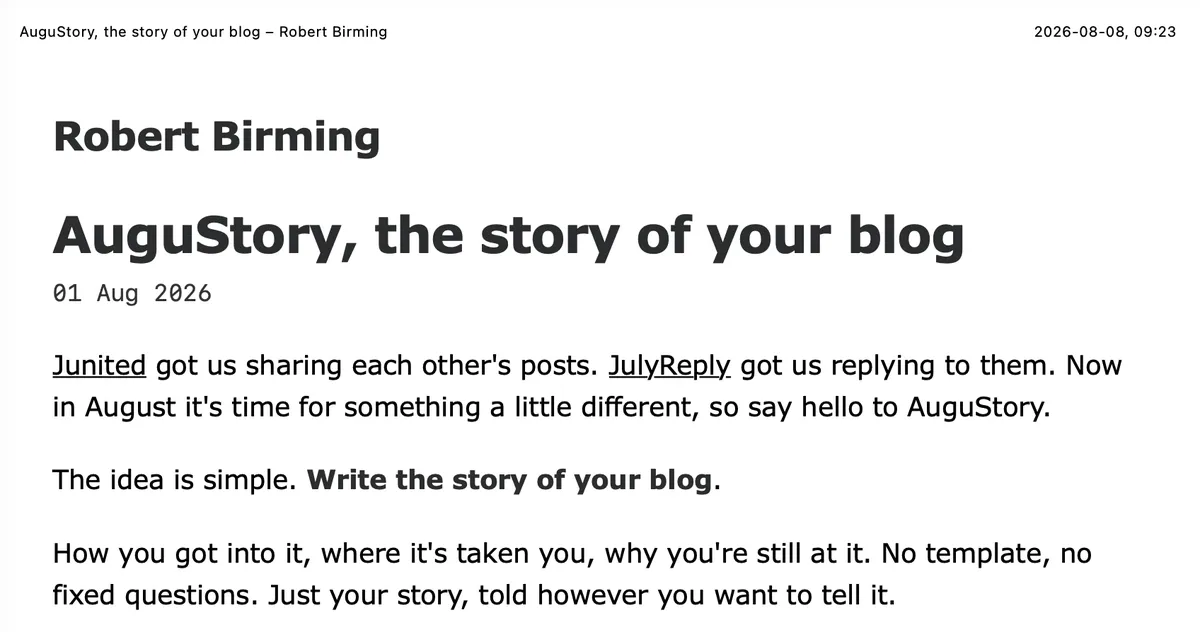
Strips away everything that only makes sense on screen (header nav, footer, tags, upvote button) and resets the page to plain black text on white, full width. Also keeps headings from being stranded at the bottom of a page and stops blockquotes, images, or tables from splitting across two pages.
@media print {
    header nav,
    footer,
    .tags,
    #upvote-form {
        display: none;
    }

    body {
        max-width: none;
        background: #fff;
        color: #000;
    }

    a {
        color: #000;
        text-decoration: underline;
    }

    h1, h2, h3, h4 {
        break-after: avoid;
    }

    blockquote,
    img,
    figure,
    table {
        break-inside: avoid;
    }
}
Show link URLs
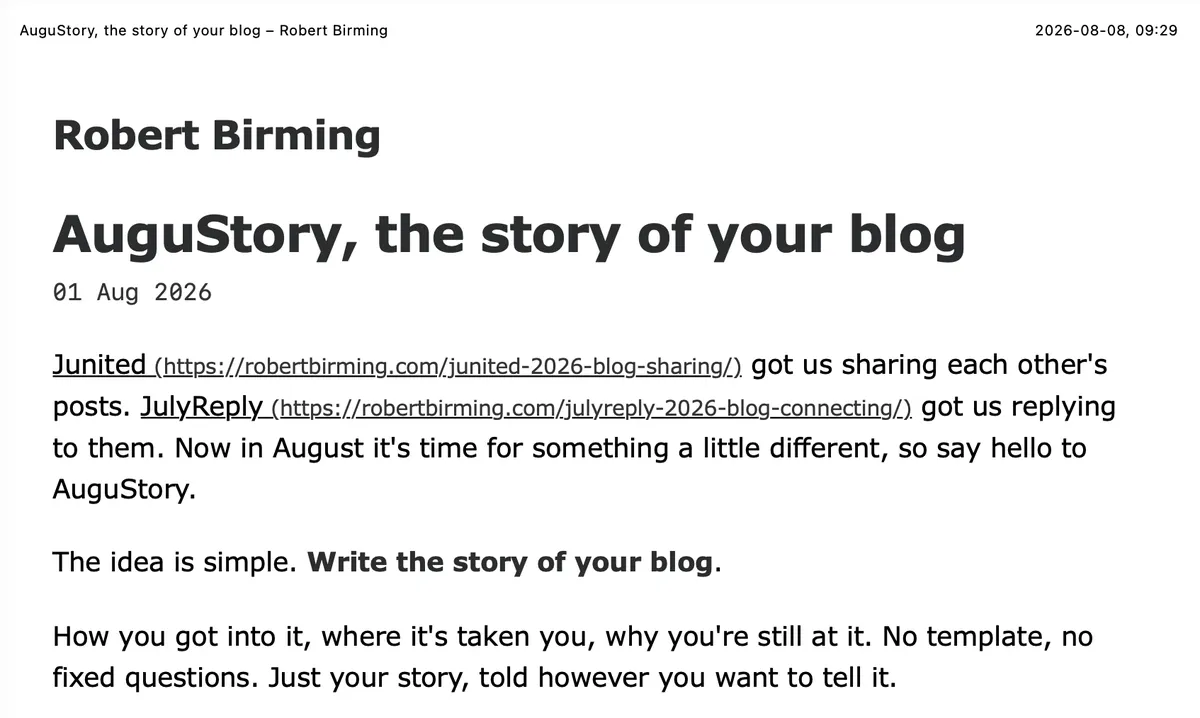
Prints the actual web address after each link, so a reader with a paper copy still knows where it points.
@media print {
    main a[href^="http"]::after {
        content: " (" attr(href) ")";
        font-size: 0.8em;
        color: #333;
        overflow-wrap: anywhere;
    }

    main a:has(img)::after {
        content: none;
    }
}
Happy blogging, and happy printing.
Want more? Check out the full Bear Blog library.