Photo gallery
A quick and easy way to add a photo gallery to your Bear blog. Photos display in a grid and zoom slightly on hover.1
Preview


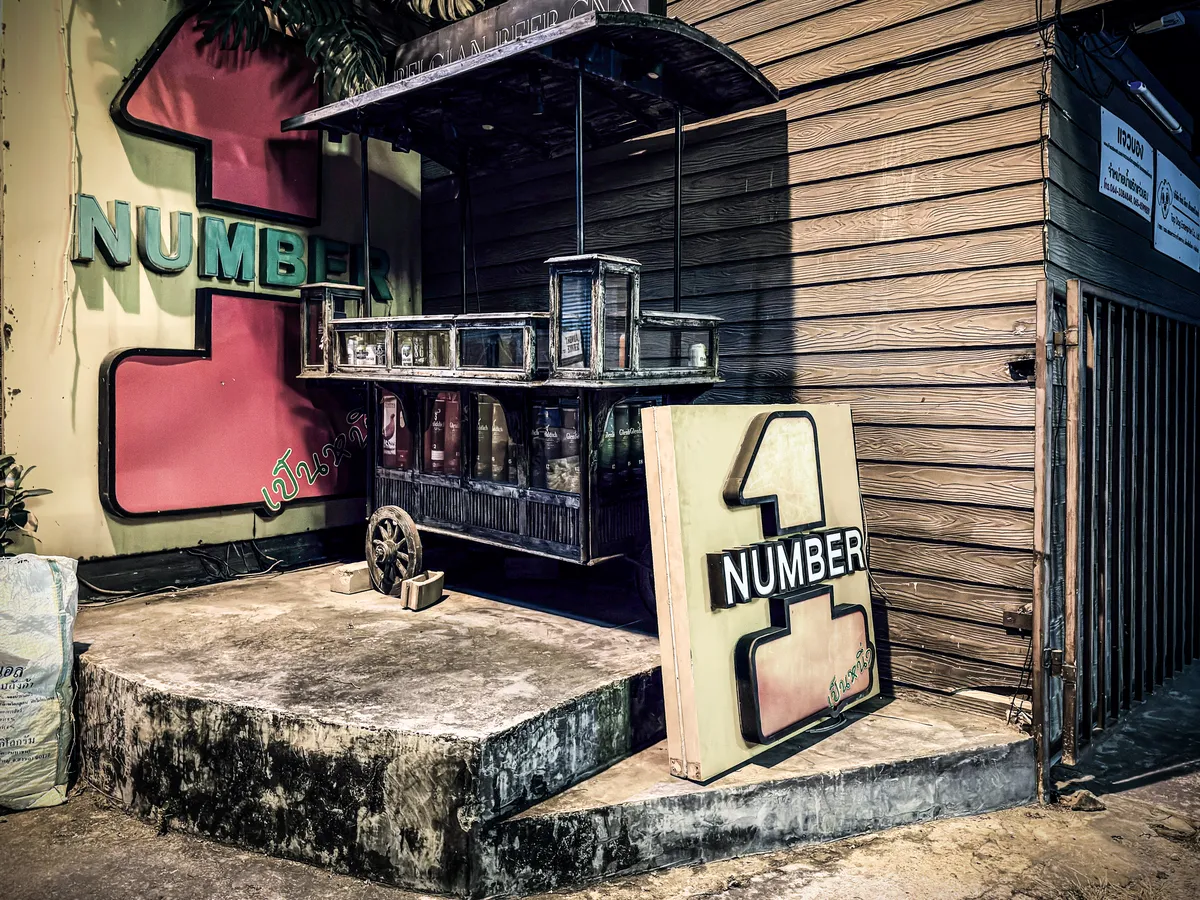
How to use
Wrap your images in a container using the gallery class.
Markup
<div class="gallery">
[](image-url.webp)
[](image-url.webp)
[](image-url.webp)
</div>
Styles
/* Photo gallery | robertbirming.com */
.gallery {
  margin-block: var(--space-block);
  display: grid;
  grid-template-columns: repeat(auto-fill, minmax(11.25rem, 1fr));
  gap: 0.6rem;
}

.gallery > p {
  margin: 0;
  display: contents;
}

.gallery a {
  display: block;
}

.gallery img {
  display: block;
  width: 100%;
  height: auto;
  aspect-ratio: 4 / 3;
  object-fit: cover;
  margin: 0;
  border-radius: var(--radius);
  transition: transform 0.3s ease;
}

@media (hover: hover) {
  .gallery a:hover img {
    transform: scale(1.03);
  }
}
Want more? Check out all available Bearming add-ons.
Happy blogging, photo by photo.
Built for the Bearming theme. Using a different theme? Add the Bearming tokens to make them work with your setup.↩