Bear Blog photo gallery (lightbox)
A photo gallery with a built-in lightbox for browsing images neatly in a larger view. Photos display in a grid by default and get dimmed on hover.
The gallery grid itself works without any scripting, but clicking a thumbnail opens it in an in-page lightbox instead of the browser's native image view, complete with captions, keyboard navigation, and smooth preloading between photos.1
Preview
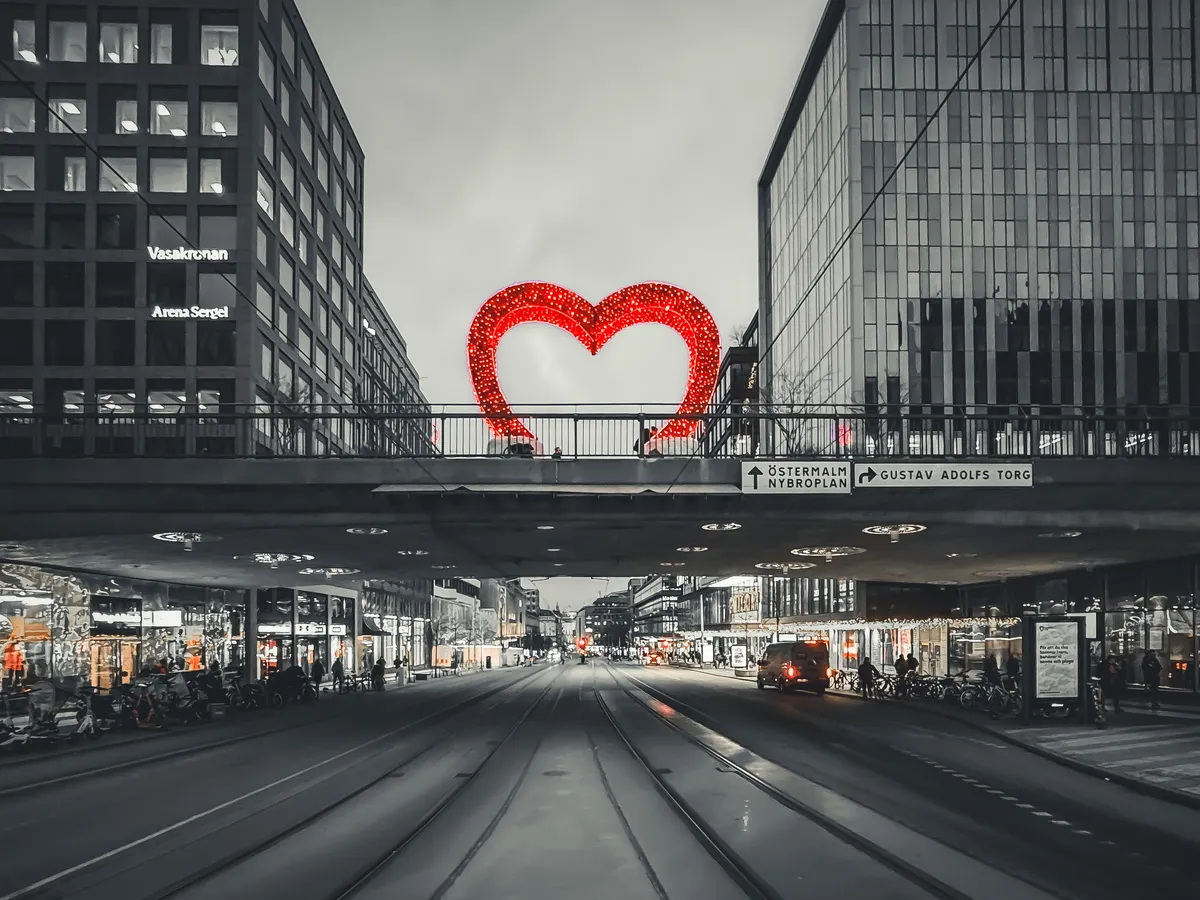
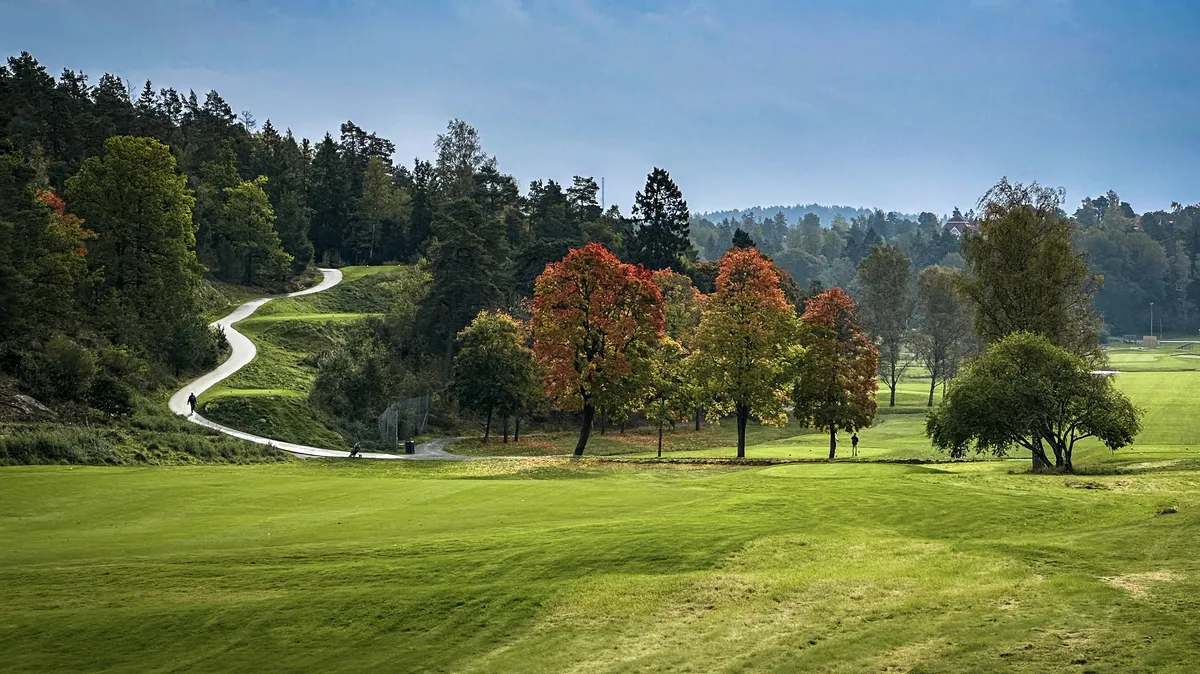
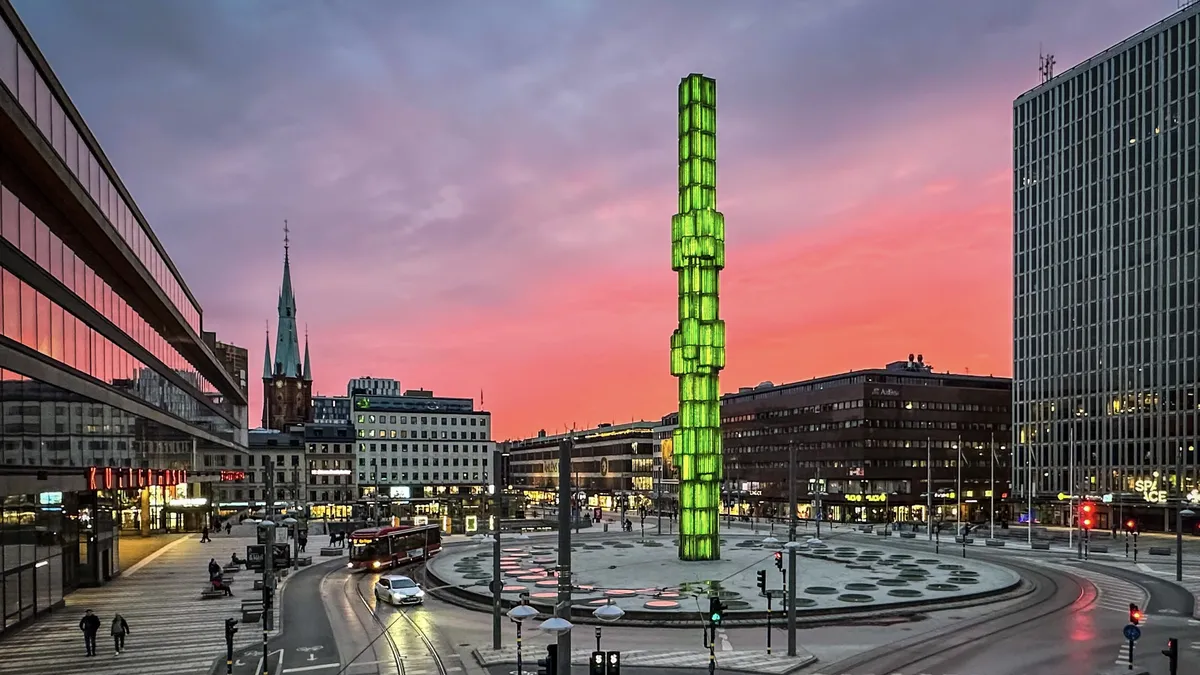
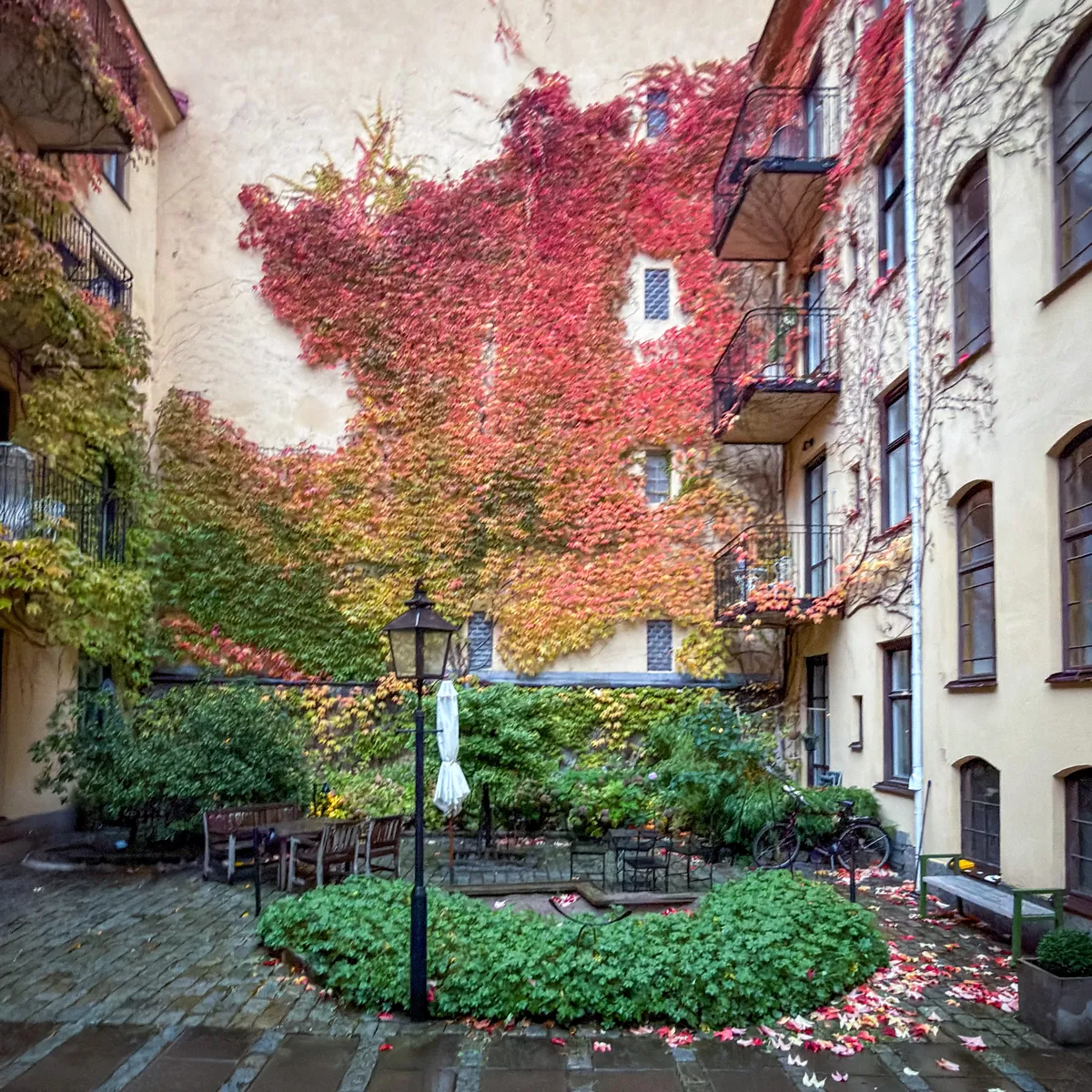
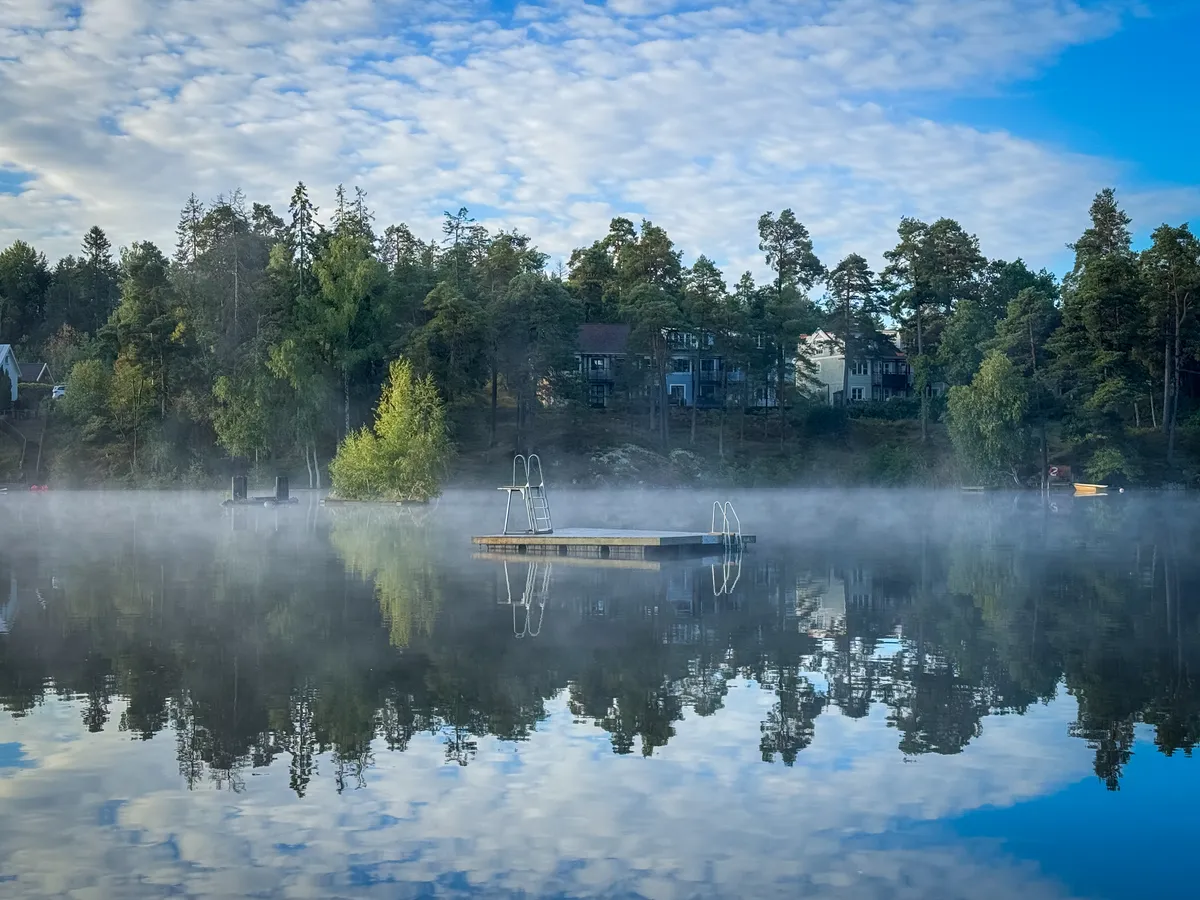
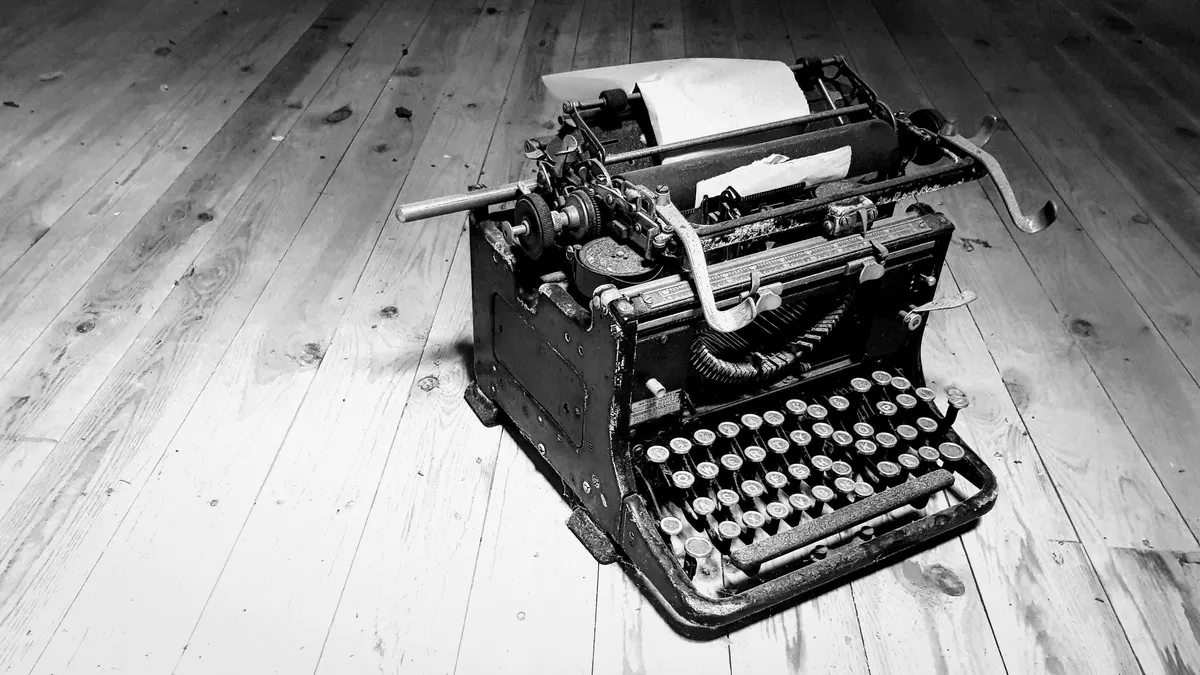
Navigate with keyboard, mouse, or touch:
- Click an image to open it
- Swipe left or right to move between photos
- Arrow keys navigate between images (
←→) - Press Escape or tap outside the photo to close
Captions are hidden in the grid and shown in the lightbox when an image has alt text.
You can adjust the image ratio in the CSS by changing the aspect-ratio value (e.g. 1 / 1 for square, 16 / 9 for cinematic). The lightbox itself always shows the full image without cropping, whatever the grid ratio.
How to use
Markup
<div class="bear-gallery">


</div>
Installation
- Copy the script below and paste it into your Bear footer.
- Copy the styles into your theme.
- Add some photos and enjoy.
Script
<script>
document.addEventListener('DOMContentLoaded', function () {
if (window.__bearGalleryLightbox) return
window.__bearGalleryLightbox = true
const galleries = Array.from(document.querySelectorAll('.bear-gallery'))
if (!galleries.length) return
const photos = []
galleries.forEach(function (root) {
const imgs = Array.from(root.querySelectorAll('img'))
const items = imgs.map(function (img) {
const index = photos.length
photos.push({ src: img.currentSrc || img.src, alt: img.alt || '' })
img.loading = 'lazy'
img.decoding = 'async'
const btn = document.createElement('button')
btn.type = 'button'
btn.className = 'bear-gallery-item'
btn.ariaLabel = img.alt ? `Open image: ${img.alt}` : 'Open image'
btn.appendChild(img)
btn.onclick = function () { openAt(index) }
return btn
})
root.replaceChildren(...items)
})
if (!photos.length) return
const dialog = document.createElement('dialog')
dialog.className = 'bear-gallery-lightbox'
dialog.innerHTML =
'<button class="bear-gallery-close" type="button" aria-label="Close image">×</button>' +
'<button class="bear-gallery-prev" type="button" aria-label="Previous image">‹</button>' +
'<button class="bear-gallery-next" type="button" aria-label="Next image">›</button>' +
'<figure class="bear-gallery-figure"><img alt=""><figcaption class="bear-gallery-caption"></figcaption></figure>'
document.body.appendChild(dialog)
const lbImg = dialog.querySelector('img')
const lbCaption = dialog.querySelector('figcaption')
const closeBtn = dialog.querySelector('.bear-gallery-close')
const prevBtn = dialog.querySelector('.bear-gallery-prev')
const nextBtn = dialog.querySelector('.bear-gallery-next')
let currentIndex = -1
let lastActiveEl = null
const preloaded = new Set()
function preload(index) {
const src = photos[index].src
if (!src || preloaded.has(src)) return
preloaded.add(src)
const im = new Image()
im.src = src
}
function updateLb(index) {
const total = photos.length
currentIndex = ((index % total) + total) % total
const photo = photos[currentIndex]
lbImg.src = photo.src
lbImg.alt = photo.alt
lbCaption.textContent = photo.alt
lbCaption.hidden = !photo.alt
dialog.setAttribute('aria-label', `Image ${currentIndex + 1} of ${total}`)
preload((currentIndex + 1) % total)
preload((currentIndex - 1 + total) % total)
}
function openAt(index) {
lastActiveEl = document.activeElement
updateLb(index)
dialog.showModal()
}
dialog.addEventListener('close', function () {
lbImg.removeAttribute('src')
lbCaption.textContent = ''
currentIndex = -1
if (lastActiveEl && typeof lastActiveEl.focus === 'function') {
lastActiveEl.focus({ preventScroll: true })
}
lastActiveEl = null
})
closeBtn.onclick = function () { dialog.close() }
prevBtn.onclick = function () { updateLb(currentIndex - 1) }
nextBtn.onclick = function () { updateLb(currentIndex + 1) }
dialog.addEventListener('click', function (e) {
if (e.target === dialog || e.target.classList.contains('bear-gallery-figure')) dialog.close()
})
dialog.addEventListener('keydown', function (e) {
if (e.key === 'ArrowRight') updateLb(currentIndex + 1)
if (e.key === 'ArrowLeft') updateLb(currentIndex - 1)
})
let touchStartX = 0
let touchCurrentX = 0
let isDragging = false
let dragWidth = 0
dialog.addEventListener('touchstart', function (e) {
if (e.target.closest('.bear-gallery-close, .bear-gallery-prev, .bear-gallery-next')) {
isDragging = false
return
}
touchStartX = e.touches[0].clientX
touchCurrentX = touchStartX
isDragging = true
dragWidth = lbImg.getBoundingClientRect().width
lbImg.style.transition = 'none'
}, { passive: true })
dialog.addEventListener('touchmove', function (e) {
if (!isDragging) return
touchCurrentX = e.touches[0].clientX
const dx = touchCurrentX - touchStartX
lbImg.style.transform = `translateX(${dx}px)`
}, { passive: true })
dialog.addEventListener('touchend', function () {
if (!isDragging) return
isDragging = false
const dx = touchCurrentX - touchStartX
const threshold = dragWidth * 0.2
lbImg.style.transition = 'transform 0.25s ease'
if (Math.abs(dx) > threshold) {
lbImg.style.transform = `translateX(${dx < 0 ? '-100%' : '100%'})`
setTimeout(function () {
updateLb(currentIndex + (dx < 0 ? 1 : -1))
lbImg.style.transition = 'none'
lbImg.style.transform = 'translateX(0)'
}, 200)
} else {
lbImg.style.transform = 'translateX(0)'
}
}, { passive: true })
})
</script>
Styles
/* Bear gallery lightbox */
.bear-gallery {
  margin-block: 1.5rem;
  display: grid;
  grid-template-columns: repeat(auto-fill, minmax(9rem, 1fr));
  gap: 0.6rem;
}

.bear-gallery-item {
  display: block;
  width: 100%;
  overflow: hidden;
  aspect-ratio: 4 / 3;
  padding: 0;
  margin: 0;
  border: 0;
  background-color: transparent;
  cursor: pointer;
}

.bear-gallery-item img {
  display: block;
  width: 100%;
  height: 100%;
  margin: 0;
  object-fit: cover;
}

.bear-gallery-item:focus-visible {
  outline: 2px solid var(--link-color);
  outline-offset: 2px;
}

@media (hover: hover) {
  .bear-gallery-item:hover img {
    opacity: 0.7;
  }
}

@media (min-width: 900px) {
  .bear-gallery {
    grid-template-columns: repeat(auto-fill, minmax(10rem, 1fr));
  }
}

.bear-gallery-lightbox {
  margin: 0;
  padding: 1.25rem;
  border: 0;
  background: transparent;
}

.bear-gallery-lightbox[open] {
  position: fixed;
  inset: 0;
  width: auto;
  height: auto;
  max-width: none;
  max-height: none;
  display: grid;
  place-items: center;
}

.bear-gallery-lightbox::backdrop {
  background: rgba(0, 0, 0, 0.86);
}

.bear-gallery-figure {
  display: flex;
  flex-direction: column;
  align-items: center;
  gap: 0;
  margin: 0;
  overflow: hidden;
}

.bear-gallery-figure img {
  max-width: 90vw;
  max-height: 80vh;
  width: auto;
  height: auto;
  object-fit: contain;
  margin: 0;
}

.bear-gallery-caption {
  margin-block-start: 0.75rem;
  color: rgba(255, 255, 255, 0.75);
  font-size: 0.9em;
  text-align: center;
}

.bear-gallery-close {
  position: absolute;
  inset-block-start: 0.9rem;
  inset-inline-end: 0.9rem;
  display: grid;
  place-items: center;
  width: 2.25rem;
  height: 2.25rem;
  padding: 0;
  border-radius: 50%;
  font-size: 2rem;
  line-height: 1;
  color: #fff;
  background: rgba(0, 0, 0, 0.55);
  border: none;
  outline: none;
  cursor: pointer;
}

.bear-gallery-prev,
.bear-gallery-next {
  display: none;
}

@media (hover: hover) {
  .bear-gallery-prev,
  .bear-gallery-next {
    position: absolute;
    inset-block: 0;
    display: grid;
    place-items: center;
    width: 3rem;
    padding: 0;
    border: none;
    background: transparent;
    color: #fff;
    font-size: 2.5rem;
    line-height: 1;
    cursor: pointer;
    opacity: 0.6;
    transition: opacity 0.15s ease;
  }

  .bear-gallery-prev {
    inset-inline-start: 0;
  }

  .bear-gallery-next {
    inset-inline-end: 0;
  }

  .bear-gallery-prev:hover,
  .bear-gallery-next:hover {
    opacity: 1;
  }
}

.bear-gallery-prev:focus-visible,
.bear-gallery-next:focus-visible {
  display: grid;
  place-items: center;
  position: absolute;
  inset-block: 0;
  width: 3rem;
  opacity: 1;
  outline: 2px solid #fff;
  outline-offset: -2px;
}

.bear-gallery-prev:focus-visible {
  inset-inline-start: 0;
}

.bear-gallery-next:focus-visible {
  inset-inline-end: 0;
}

@media (prefers-reduced-motion: reduce) {
  .bear-gallery-prev,
  .bear-gallery-next {
    transition: none;
  }
}
Want more? Check out the full Bear Blog library.
Requires JavaScript, available with Bear Blog subscription.↩