Bearming style guide
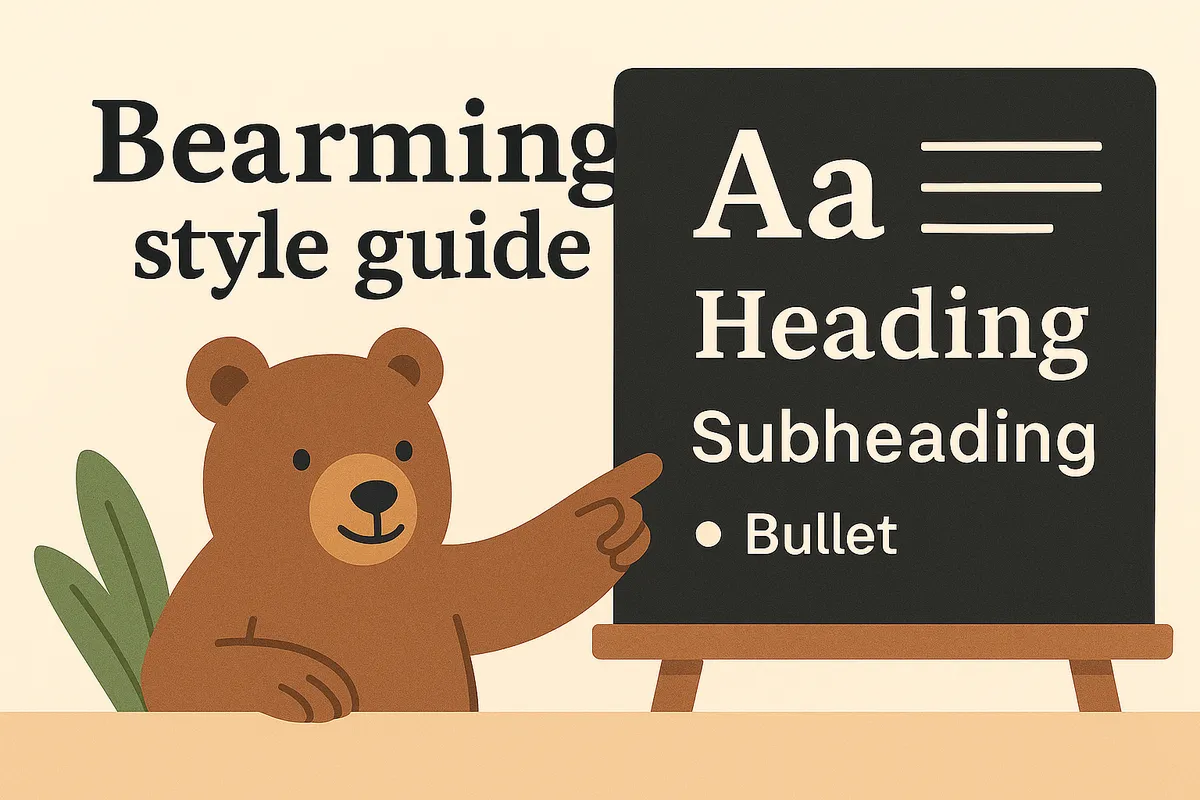
This style guide gives you a small tour of how the Bearming theme looks and feels.
Think of it as a behind-the-scenes look at Bearming, with enough guidance to help you understand it, and enough freedom to make it your own. Happy tinkering. 🎨
Headings
The H2s, as seen above, mark new chapters in your post. Think of them as small signposts saying, "New thought ahead."
- This text is a little thoughtful.
- This one is strong like a good coffee.
- This one is bold and cozy.
- And this one is
taking a nap.
Heading 3: For sub-sections
When you want to tuck details under a bigger idea.
Heading 4: Quiet corners
Great for notes and side thoughts.
Links
Link out to lovely corners of the web, like Bear Blog or the Discover feed. See, even italicized links look great. And why shouldn't they? Not the strongest sales pitch, I know.
Sometimes you might want to let a link breathe on its own line and give it a bit more presence by making it bold:
Either way, keep links friendly and generous. The web is simply more fun when we actually link to each other.
Images
Here's how images appear. We could probably all use a few more of them, no matter what platform we're blogging on. They're a nice little bonus.
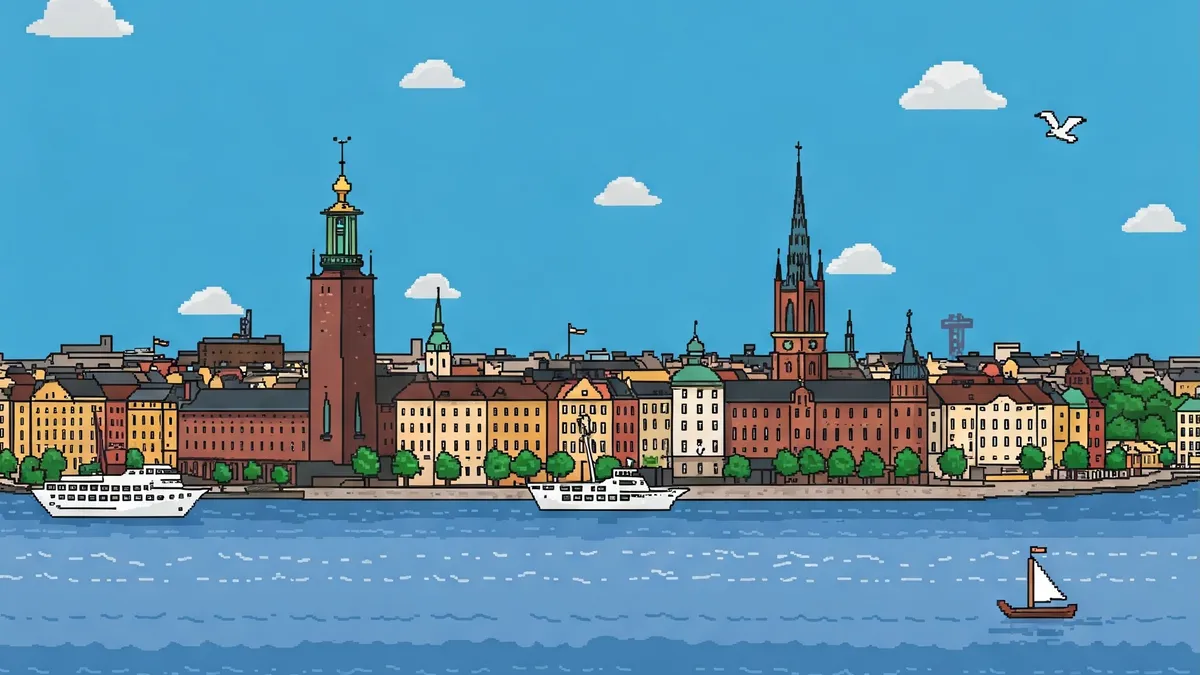
If you wrap your image with <figure> and add a <figcaption>, you'll get a nicely styled caption beneath your image.

If you're curious, there's also a photo gallery lightbox that takes your images one step further.
Blockquotes
Blockquotes in Bearming aren't loud. They just lean in a little, like someone pausing to say something worth remembering.
Bearming doesn't overwrite your colors. It harmonizes with them, blending into your style, not the other way around.
And here's a bit of regular text alongside it, so you can see how it flows with the rest of your writing.
And yes, I'm quoting myself again. The
citetag begged for attention, so I caved. Robert
Just to show how nice it looks when you let your quotes sign their own name with a <cite> tag.
Lists
Lists are great when your thoughts want a bit of structure. They help ideas line up, breathe, and feel easy to follow, whether they're wandering or neatly numbered.
Unordered lists
- Fresh air and a small idea
- A blank page
- A margin doodle or two
- Seeds for tomorrow's post
- A blog that feels like home
Ordered lists
- Brew something nice.
- Open Bear.
- Write what you mean.
- Skip perfection for now.
- Publish. Smile. Repeat.
That's lists. And this sentence isn't very interesting at all. It's just here to show how text looks when it comes right after a list.
Dividers
Dividers in Bearming are subtle. They’re there to give your thoughts a bit of breathing room, not to shout “section break”.
You’ve already seen plenty of them throughout this guide. Hey! Here’s another one 👇
Code and highlighting
When you want to highlight a short phrase or word, use the <mark> tag. It adds a wash of color that blends with the theme's accent, like this:
Here's a sentence with a little highlight in the middle.
You can use inline code to mention snippets or filenames, or switch to longer code blocks when you want to show an idea.
Even bears have their own style:
/* Ursus
   ------------------------- */
header {
  content: "ʕ•ᴥ•ʔ";
}
body {
  color: Brown;
}
footer {
  color: Black;
}
main {
  background: ForestGreen;
}
And here's a playful JavaScript example to wake things up a bit:
// Bear morning routine
function bearWakeup() {
  console.log("🐻 Write, blog, repeat.");
}
bearWakeup();
You can also add a copy code button that lets readers grab snippets with a single click.
Tables
Tables are great for organizing ideas or tracking progress, whether you're planning blog posts, travel notes, or your next creative experiment.
| Bear task | Status | Mood |
|---|---|---|
| Blogging | ✅ Done | 🐻 Content |
| Coding | 🧠 In progress | ☕ Focused |
| Reading | 📖 Planned | 😌 Calm |
Tables with numbers
Sometimes you just need to see numbers lined up neatly. The theme handles that too, keeping things cozy and the columns even.
| Item | Quantity | Rating |
|---|---|---|
| Blog ideas | 14 | 8.5 |
| Coffee cups | 3 | 9.8 |
| House visits | 6 | 7.4 |
No spreadsheets were harmed in the making of this table. Any resemblance to actual spreadsheets is purely coincidental.
The end
If you take a look down below, you'll see how the tags sit quietly at the end of a post, a bit smaller than the rest of the text, doing their job without making a fuss.
You'll probably also spot the upvote button nearby. It's literally lovely.
And that's the end of the style guide. Happy blogging! 🐻