Photo calendar
Inspired by CalenBear, this add-on lets you display your photos by date with a monthly calendar view. Scroll down to learn how to use the markup, styles, and optional lightbox script.1 2
Preview
← March2026May →
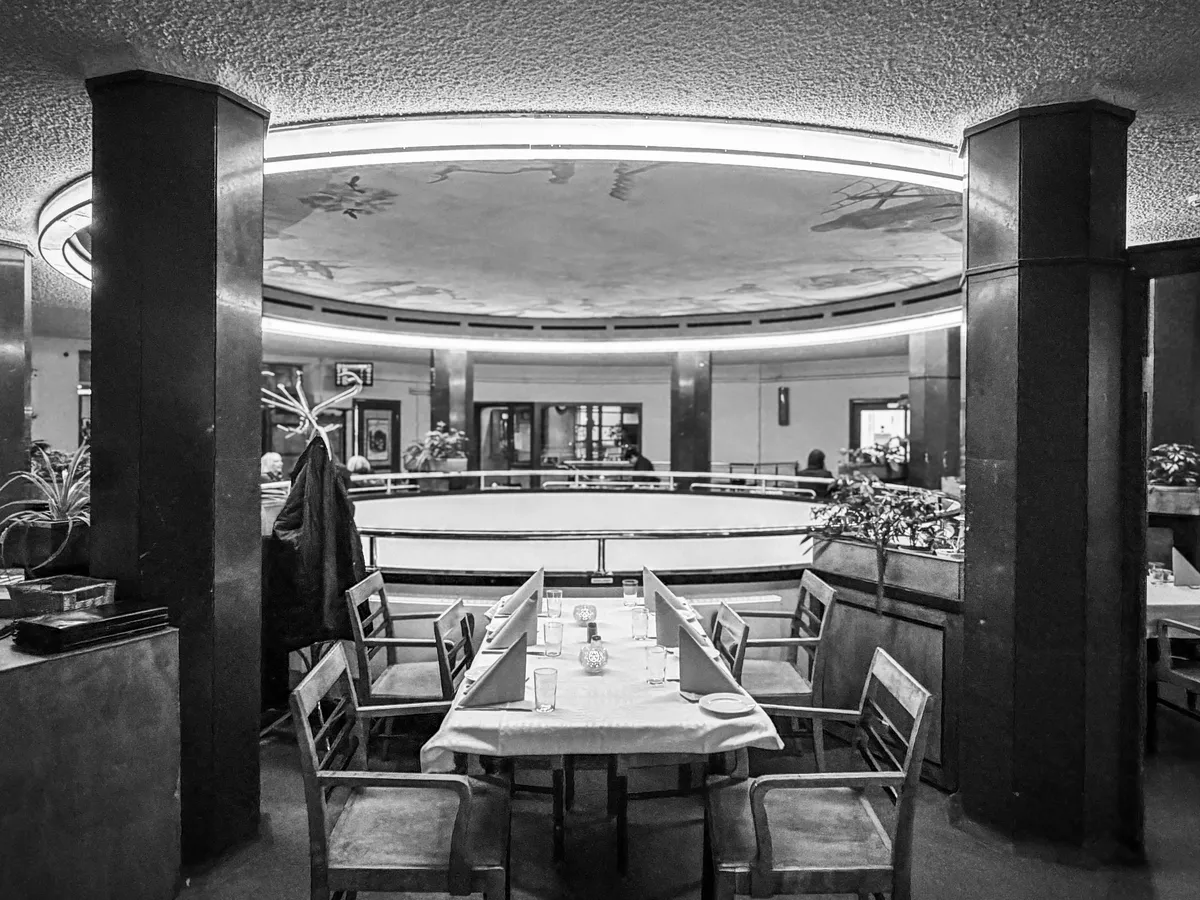
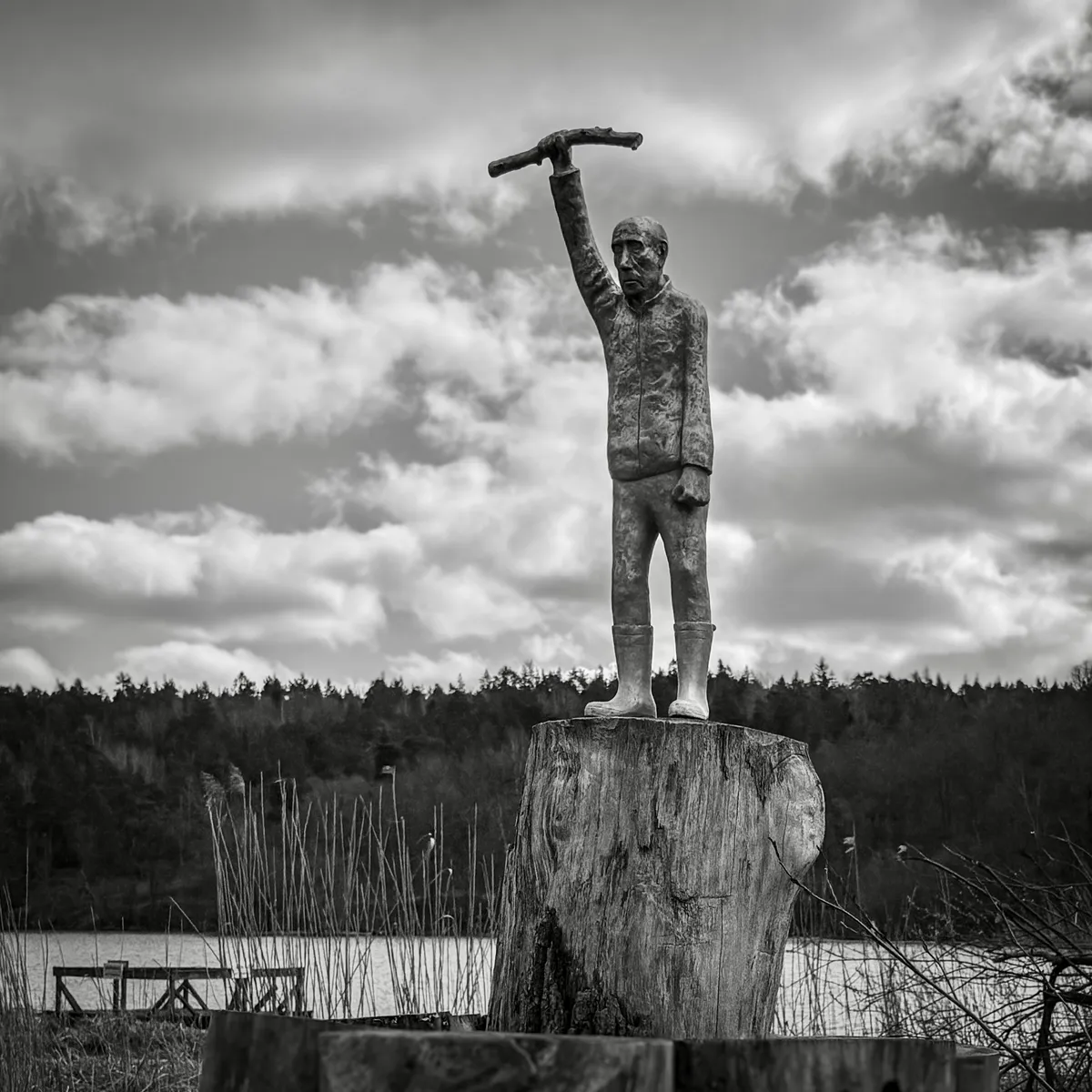
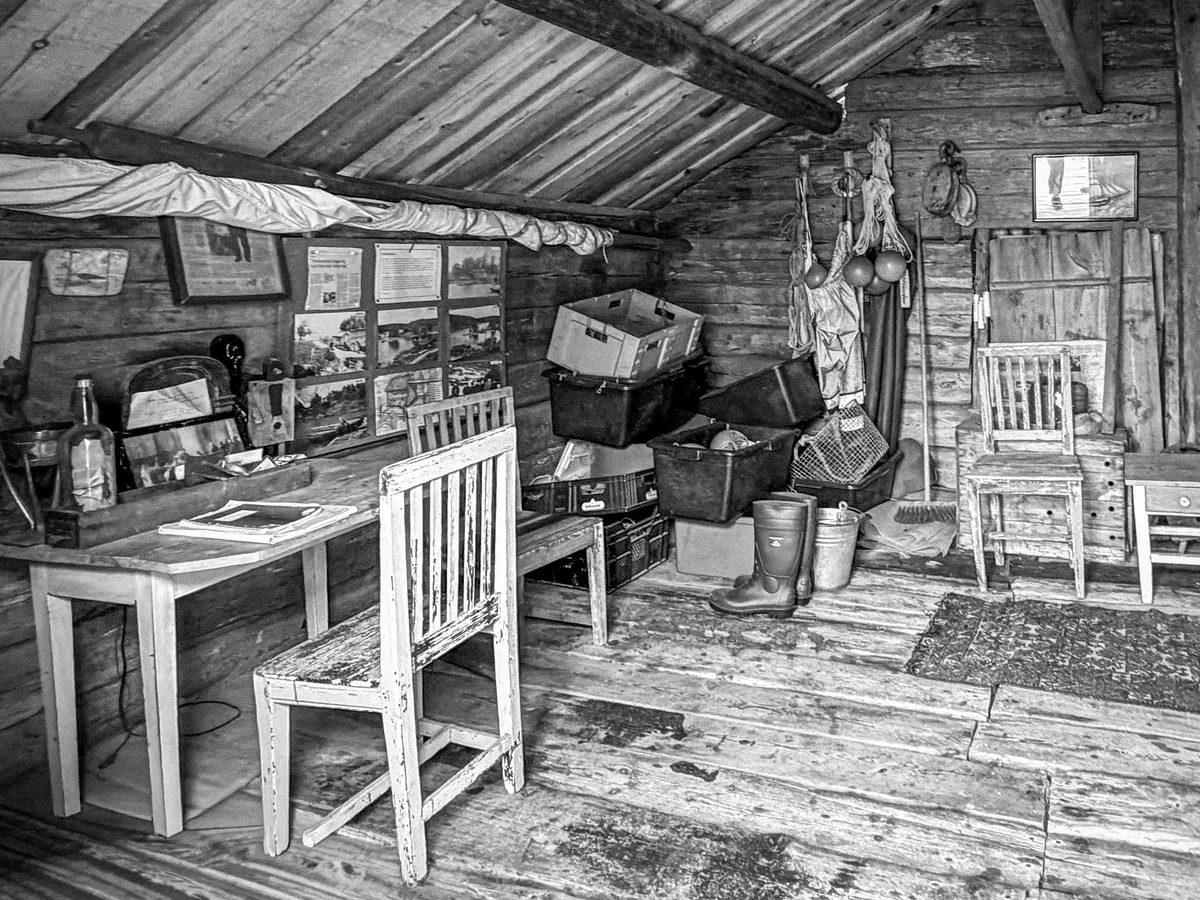
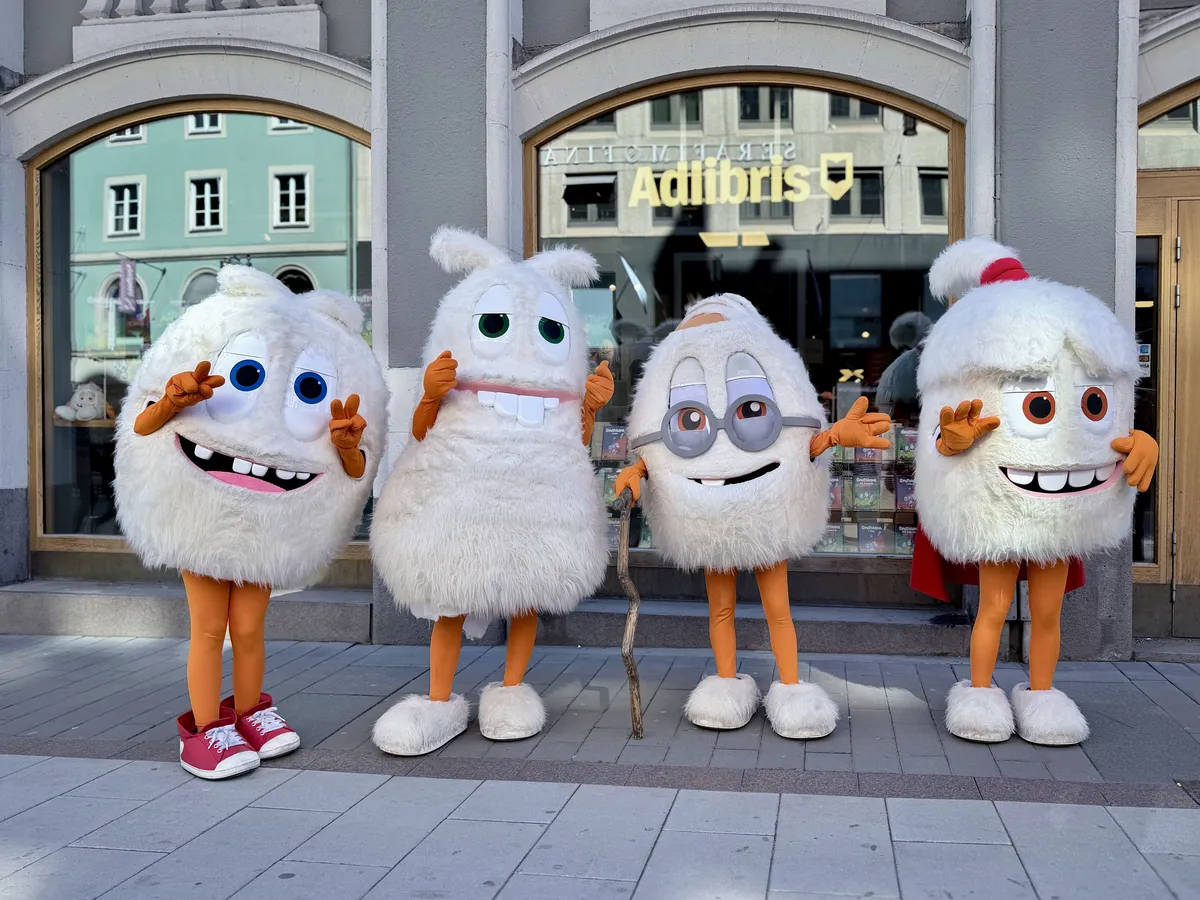
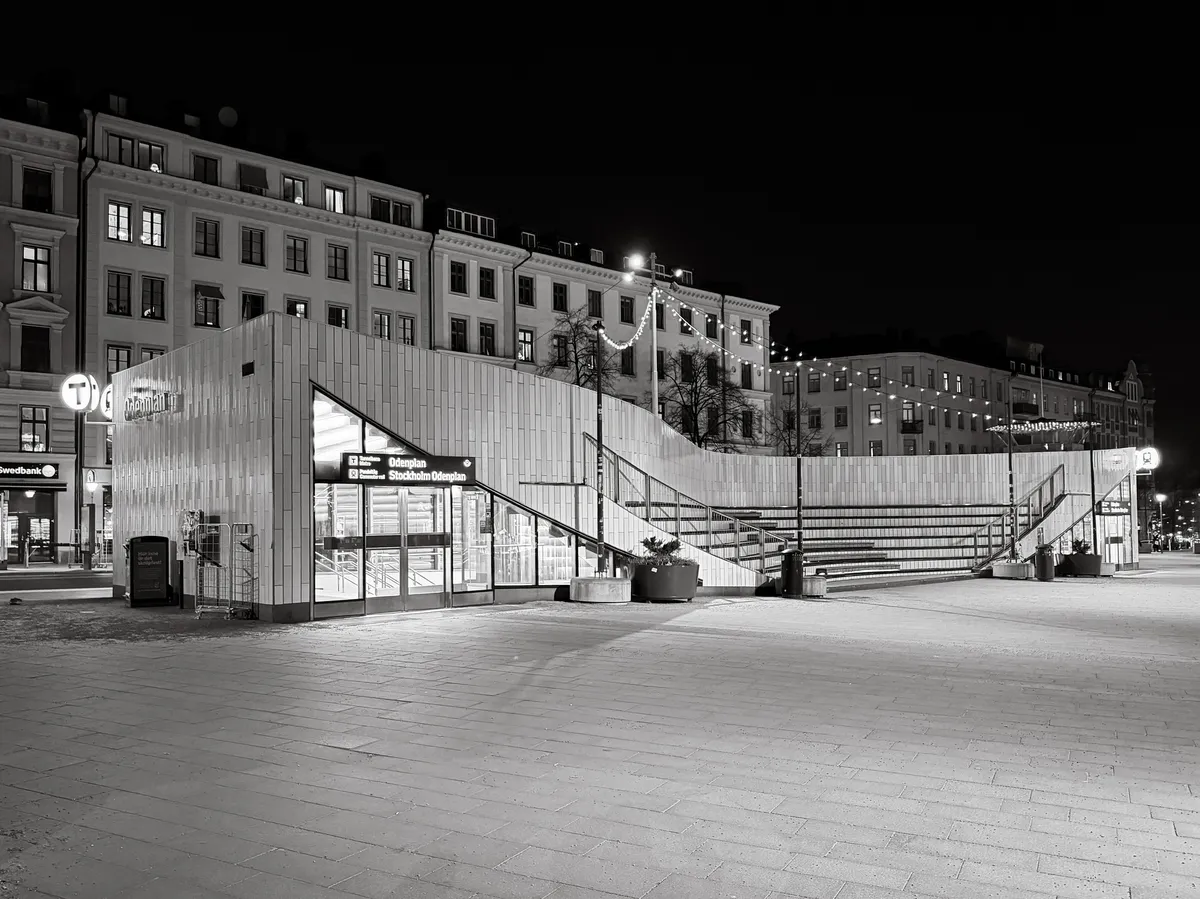
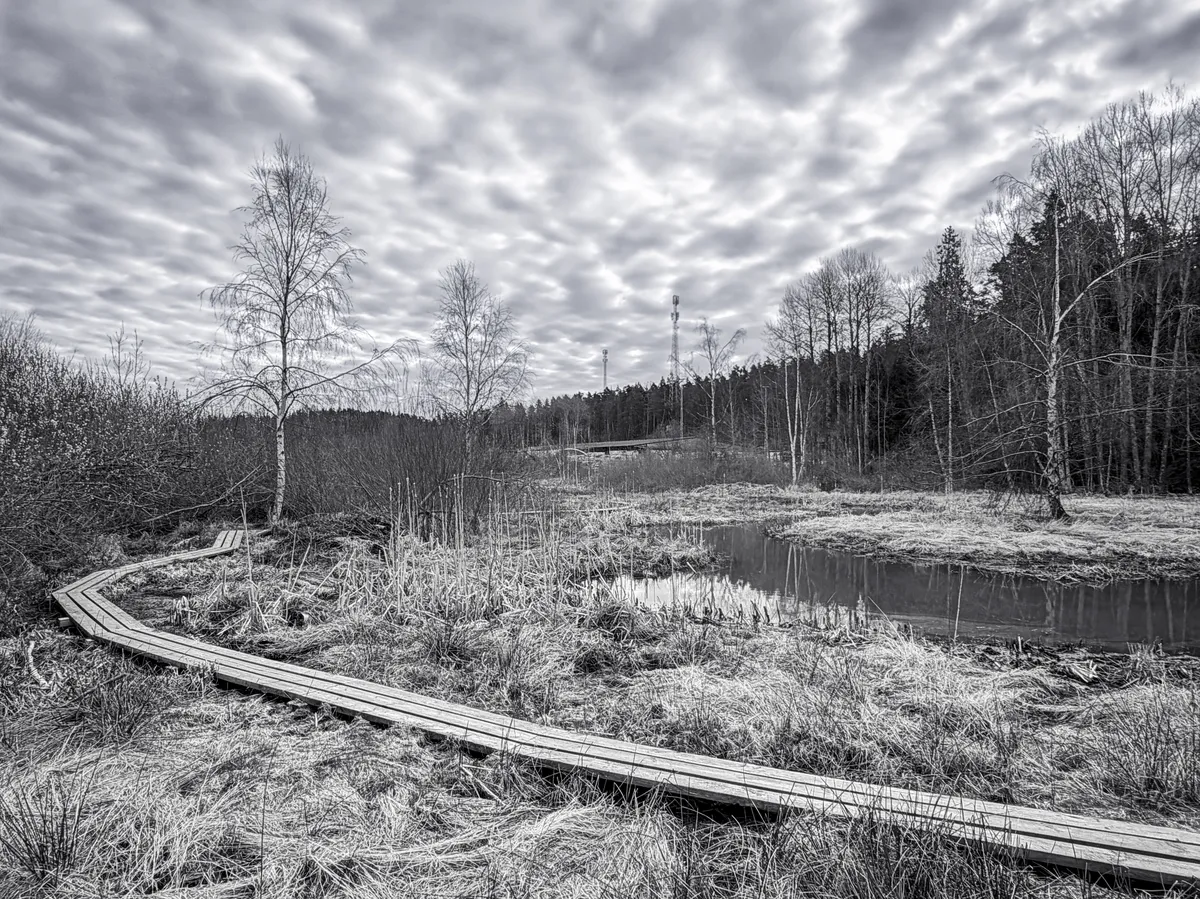
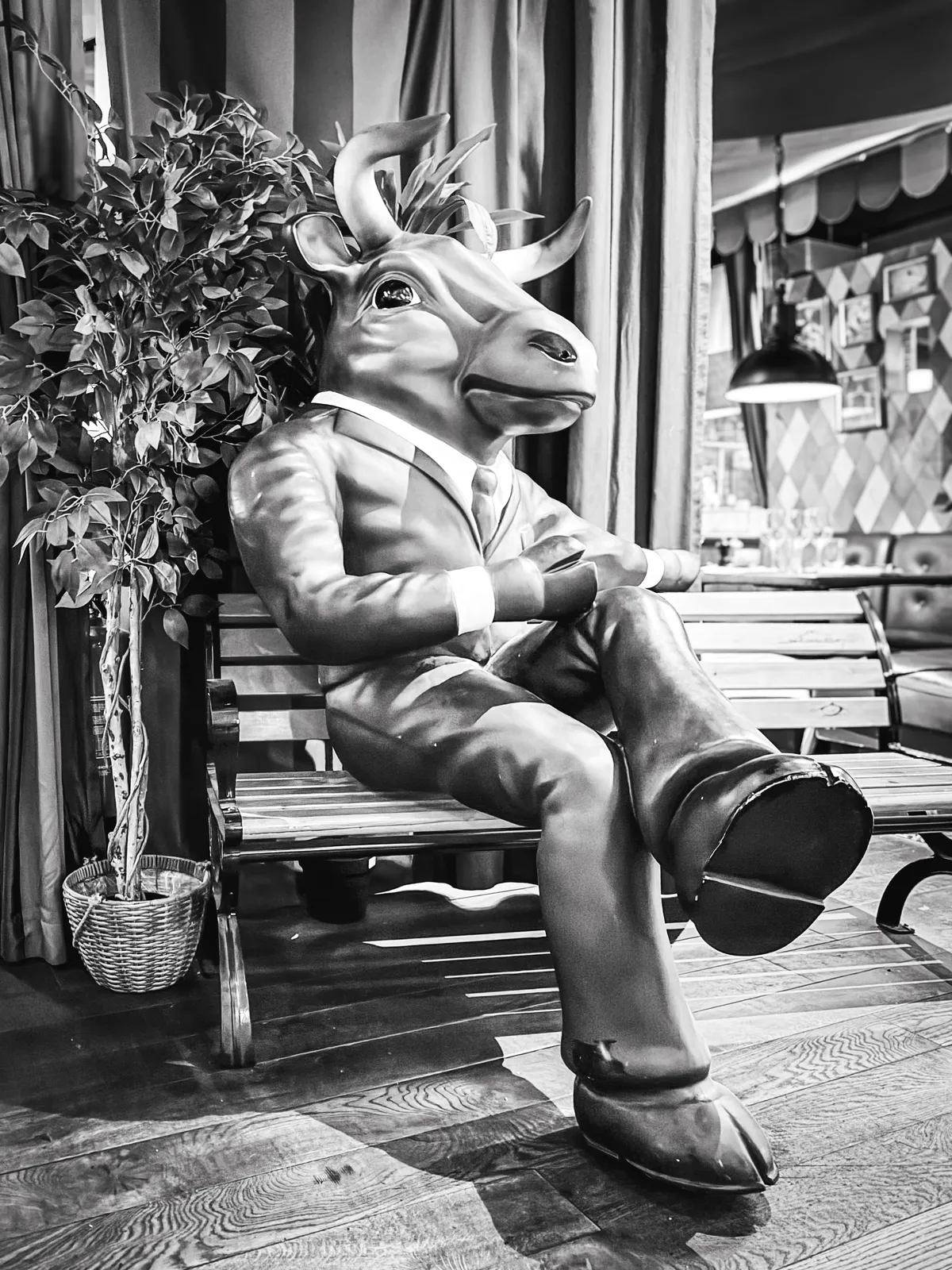
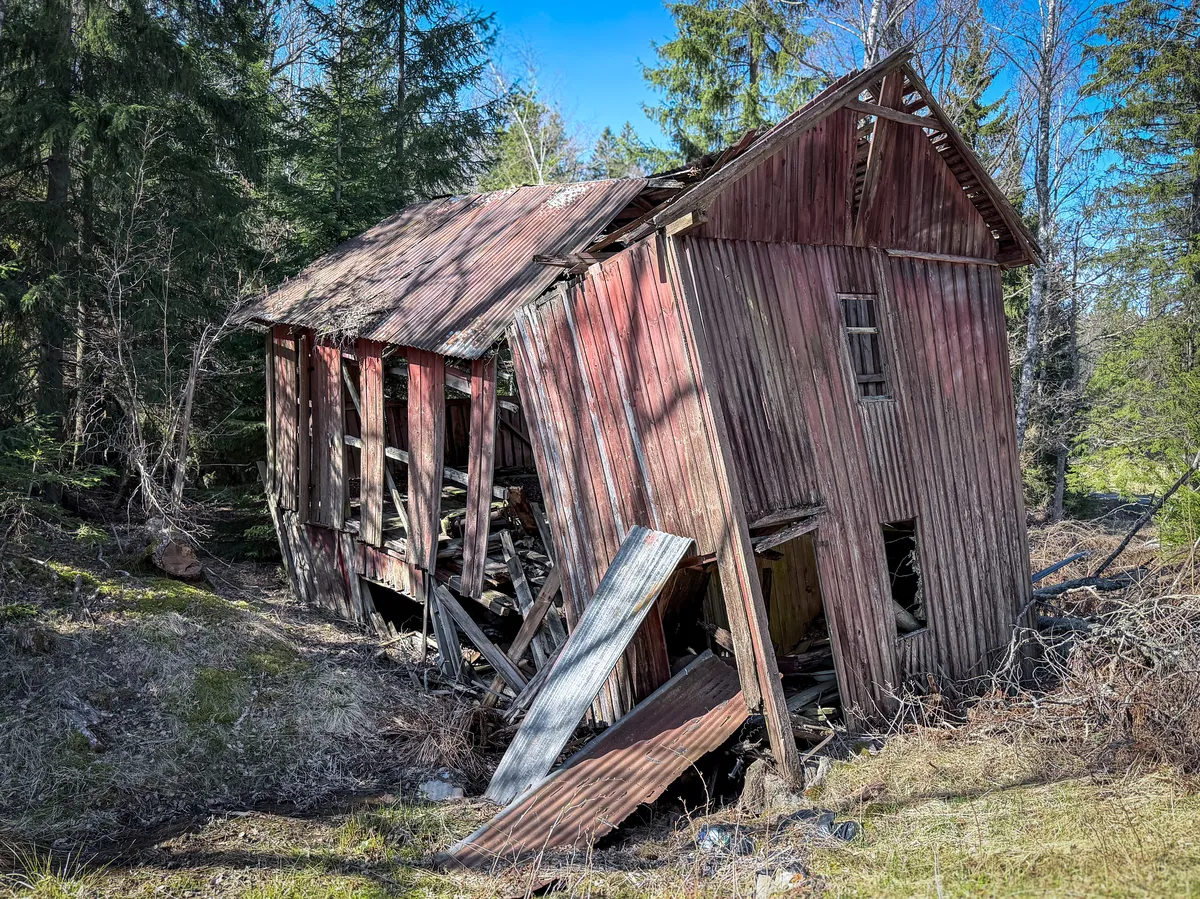
How to use
Add the markup below to each monthly page, then add the styles to your theme. Optionally include the lightbox script for fullscreen photo viewing (otherwise, you can link directly to the image URL).
For months with no prev or next link, use plain text. The nav dims it automatically. Set --start to the weekday of the first day of the month (1 = Monday, 7 = Sunday).
Markup
# April
<div class="photo-cal-nav">
<span>[← March](/march-2026/)</span><span>2026</span><span>May →</span>
</div>
<div class="photo-cal" style="--start: 3">
<div class="photo-cal-head"><span>Mo</span><span>Tu</span><span>We</span><span>Th</span><span>Fr</span><span>Sa</span><span>Su</span></div>
1.
2. [](image-url)
3.
...
30.
</div>
Script
<script>
/* Photo calendar lightbox | robertbirming.com */
(function () {
  const imgs = Array.from(document.querySelectorAll('.photo-cal li img'));
  if (!imgs.length) return;

  const overlay = document.createElement('div');
  overlay.style.cssText = 'display:none;position:fixed;inset:0;background:rgba(0,0,0,0.85);z-index:999;cursor:zoom-out';

  const overlayImg = document.createElement('img');
  overlayImg.style.cssText = 'position:absolute;inset:0;margin:auto;max-width:90%;max-height:90%;object-fit:contain;border-radius:var(--radius)';

  overlay.appendChild(overlayImg);
  document.body.appendChild(overlay);

  imgs.forEach(function (img) {
    const parent = img.closest('a');
    const trigger = parent || img;
    trigger.style.cursor = 'zoom-in';

    trigger.addEventListener('click', function (e) {
      e.preventDefault();
      overlayImg.src = parent ? parent.href : img.src;
      overlayImg.alt = img.alt || '';
      overlay.style.display = 'block';
    });
  });

  overlay.addEventListener('click', function () {
    overlay.style.display = 'none';
    overlayImg.src = '';
  });

  document.addEventListener('keydown', function (e) {
    if (e.key === 'Escape') {
      overlay.style.display = 'none';
      overlayImg.src = '';
    }
  });
})();
</script>
Styles
/* Photo calendar | robertbirming.com */
.photo-cal-nav {
  margin-block-end: 0.5rem;
  font-size: 0.75rem;
  font-weight: 700;
  font-family: var(--font-mono);
  color: var(--muted);
  text-transform: uppercase;
  letter-spacing: 0.05em;
}

.photo-cal-nav p {
  display: flex;
  justify-content: space-between;
  align-items: center;
  width: 100%;
  margin: 0;
}

.photo-cal-nav a {
  color: var(--muted);
  text-decoration: none;
}

@media (hover: hover) {
  .photo-cal-nav a:hover {
    color: var(--link);
  }
}

.photo-cal-nav span:first-child:not(:has(a)),
.photo-cal-nav span:last-child:not(:has(a)) {
  opacity: 0.4;
}

.photo-cal-head {
  display: grid;
  grid-template-columns: repeat(7, 1fr);
  border: 1px solid var(--border);
  border-radius: var(--radius) var(--radius) 0 0;
  overflow: hidden;
}

.photo-cal-head span {
  padding-block: 0.5em;
  font-size: 0.65rem;
  font-weight: 700;
  font-family: var(--font-mono);
  color: var(--muted);
  text-align: center;
  text-transform: uppercase;
  letter-spacing: 0.05em;
  background-color: var(--surface);
  border-inline-end: 1px solid var(--border);
}

.photo-cal-head span:last-child {
  border-inline-end: none;
}

.photo-cal ol {
  margin: 0;
  display: grid;
  grid-template-columns: repeat(7, 1fr);
  padding: 0;
  list-style: none;
  counter-reset: day;
  border: 1px solid var(--border);
  border-block-start: none;
  border-radius: 0 0 var(--radius) var(--radius);
  overflow: hidden;
}

.photo-cal li {
  position: relative;
  aspect-ratio: 1;
  margin: 0;
  background-color: color-mix(in srgb, var(--surface) 30%, var(--bg));
  border-inline-start: 1px solid var(--border);
  border-block-end: 1px solid var(--border);
  overflow: hidden;
  counter-increment: day;
}

@media (prefers-color-scheme: dark) {
  .photo-cal li {
    background-color: color-mix(in srgb, var(--accent) 25%, var(--bg));
  }
}

.photo-cal li:last-child {
  border-inline-end: 1px solid var(--border);
}

.photo-cal li:nth-last-child(-n+7):nth-child(7n+1),
.photo-cal li:nth-last-child(-n+7) ~ li,
.photo-cal li:last-child {
  border-block-end: none;
}

.photo-cal li:first-child {
  grid-column-start: var(--start, 1);
}

.photo-cal li::after {
  content: counter(day);
  position: absolute;
  inset-block-start: 0.5em;
  inset-inline-start: 0.5em;
  font-size: 0.6rem;
  font-weight: 700;
  font-family: var(--font-mono);
  color: var(--muted);
  line-height: 1;
  z-index: 1;
  user-select: none;
}

.photo-cal li:has(> p)::after {
  padding: 0.15em 0.3em;
  color: #fff;
  background: rgba(0, 0, 0, 0.35);
  border-radius: 2px;
}

.photo-cal li p {
  margin: 0;
  line-height: 0;
}

.photo-cal li a {
  text-decoration: none;
}

.photo-cal li img {
  position: absolute;
  inset: 0;
  width: 100%;
  height: 100%;
  object-fit: cover;
  margin: 0;
  border-radius: 0;
  filter: sepia(0.8) hue-rotate(-10deg) saturate(1.4) brightness(0.85) contrast(1.1);
  transition: transform 0.3s ease, filter 0.4s ease;
}

@media (prefers-color-scheme: dark) {
  .photo-cal li img {
    filter: sepia(0.8) hue-rotate(180deg) saturate(1.2) brightness(0.7) contrast(1.15);
  }
}

@media (hover: hover) {
  .photo-cal li:has(img):hover img {
    transform: scale(1.05);
    filter: saturate(1) brightness(1) contrast(1);
  }
}
Happy blogging, one day at a time.
Want more? Check out all available Bearming add-ons.
Built for the Bearming theme. Using a different theme? Add the Bearming tokens to make it work with your setup.↩
Requires JavaScript, available on Bear Blog's premium plan.↩