Polaroid image styles
Give any image a polaroid look. Paper border, slight tilt, and an optional caption.1
Preview
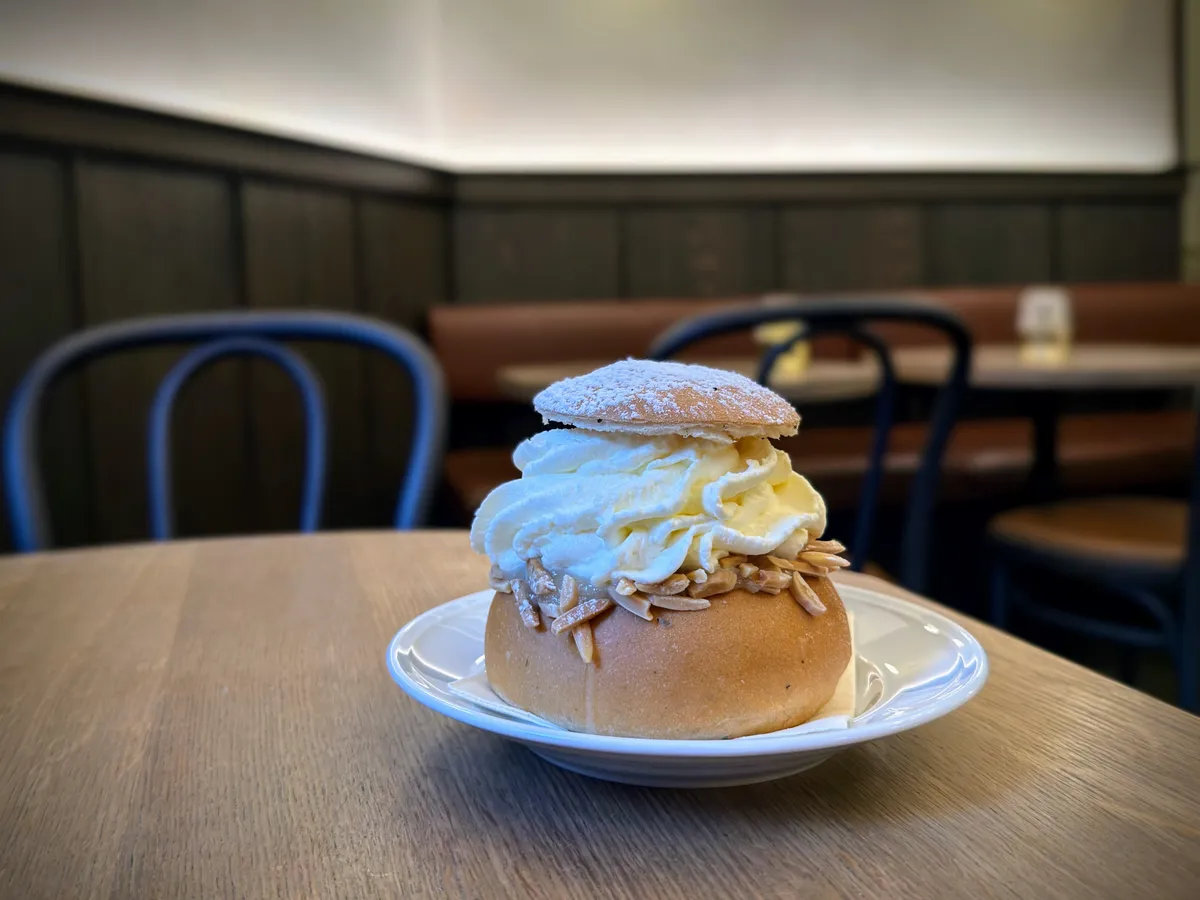 A yummy Swedish semla
How to use
Wrap your image in a div with the class polaroid. Add an em inside for the caption (optional).
Markup
<div class="polaroid">

<em>your caption here</em>
</div>
Styles
/* Polaroid photo | robertbirming.com */
.polaroid {
  display: flow-root;
  width: fit-content;
  margin-block: var(--space-block);
  margin-inline: auto;
  padding: 0.7rem 0.7rem 1.3rem;
  background: #fffdf5;
  border-radius: 2px;
  box-shadow: 0 2px 16px color-mix(in srgb, var(--text) 15%, transparent);
  transform: rotate(-1.2deg);
  transition: transform 0.2s ease-out, box-shadow 0.2s ease-out;
}

@media (prefers-color-scheme: dark) {
  .polaroid {
    box-shadow: 0 2px 14px color-mix(in srgb, var(--accent) 20%, transparent);
  }
}

.polaroid p {
  margin: 0;
}

.polaroid img {
  display: block;
  margin: 0;
  border-radius: 0;
  filter: saturate(0.75) contrast(0.95);
}

.polaroid em {
  display: block;
  margin-block-start: 0.7rem;
  text-align: center;
  font-size: var(--font-small);
  font-family: cursive;
  color: #666;
}

@media (hover: hover) {
  .polaroid:hover {
    transform: rotate(0deg);
    box-shadow: 0 6px 24px color-mix(in srgb, var(--text) 20%, transparent);
  }
}
Happy blogging, snap snap.
Want more? Check out all available Bearming add-ons.
Built for the Bearming theme. Using a different theme? Add the Bearming tokens to make them work with your setup.↩